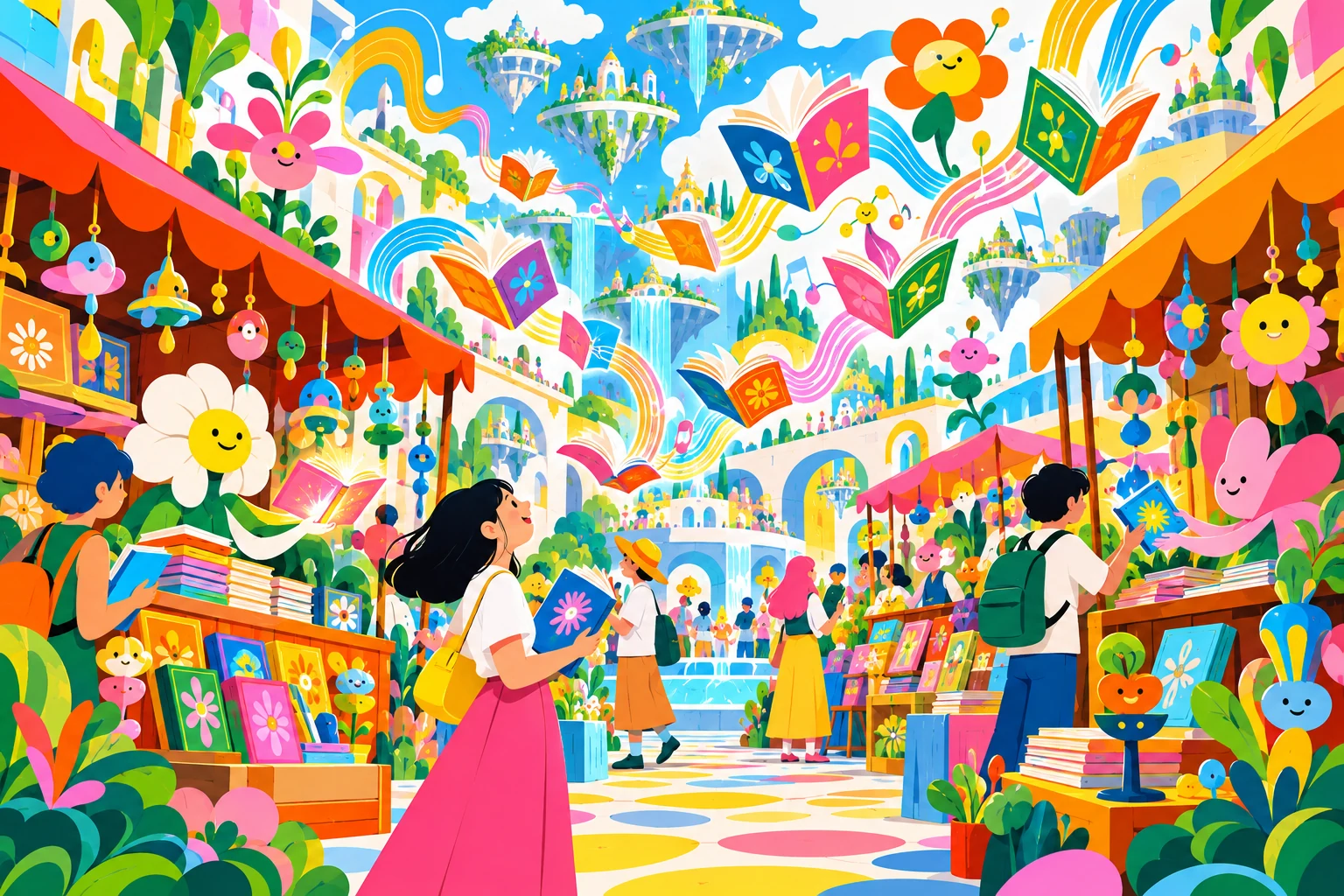
Rules and Tools for a Set of Illustrations
Taking a reading activity as an example, you can draw one of each of the book, table lamp, and bookmark, but they must all be from the same set of materials. Before generating, fix the shape, lines, color scheme, and background, and then prepare usable logos and photos. If you need extendable materials, you can start with Recraft; if you want to complete the promotional layout along with the text, you can try Canva.
Recraft for materials, Canva for layout
- Main recommendation: Recraft ↗
Recraft can be used to create illustrations and graphics. If you need to change the color or shape later, you must first make sure that you select a model that supports native vector output, and then export an editable SVG. Downloading an image does not guarantee that it will be a vector file.
- Alternative: Canva ↗
Canva is suitable for arranging images, text, and logos into a single promotional image. It's ideal for those who want to create a finished product first, starting with an existing template or AI design.
Try it out with the same source material first to confirm that it can export to the desired size and format before deciding whether to pay. Please check Chinese support, usage limits, and licensing conditions in your account and official plan.
Make the First Illustration, Then Extend the Series
Limit to one theme and three visual rules
This time, the scope is limited to reading activities, using rounded shapes, cyan and off-white, and a simple background. Write these three rules into every requirement; don't suddenly change the material or perspective in the second image.
Select Output Format in Recraft
In Recraft, select an image function or vector model suitable for the purpose, and input the theme, composition, and colors. Make one first to see if the shape is suitable; don't rush to generate in batches before the direction is determined.
Improve one, then extend the series
After the first image is determined, extend it to other objects. If the shape of the table lamp is already suitable, just change the line thickness; when SVG is needed, also open the path check, don't wait until delivery to find that the details are difficult to edit.
Insert into the actual layout and output
After the image enters the layout, you also need to leave room for the title and contact information. The text and logo are arranged separately as editable elements, and finally check with a mobile phone: Is the main image too full? Can the title be read clearly?
Reusable Image Requirements
Create an illustration/vector graphic for [brand/purpose]. Theme: [Object]; Style: [Shape, Lines, Material]; Color Scheme: [Color]; Composition: [Description]. Images will be used for [Size and Distribution]. Please reserve layout space and do not add new text, trademarks, or efficacy claims. The rule for consistency with the next image is: [Three Rules].
Size, File, and Series Delivery
- Is the product, character, or object design correct? Are there any unnecessary details?
- Are the colors, lines, and perspectives consistent across images in the same group?
- Can the selected output truly be edited in the required tools? SVG is not the default format for all models.
- Have the text, material licenses, and usage conditions of the chosen solution been checked before publishing?
Open the original file to check the details, then shrink it to a mobile post size to check readability. If the person taking over wants to make further modifications, please also ask them to open the file again using the actual software.
Keep the confirmed version
After completion, save a confirmed image, original requirements, and color settings. Follow this information for the next image to avoid having to re-describe the entire brand each time.